
How to connect MyPost Business to Shopify
Short answer
You can link MyPost Business directly by generating a token under eCommerce partners and pasting it into Shopify's carrier accounts, or install an app and sign in through Australia Post's own page. Either way, keep a payment method saved in MyPost Business, because labels are charged there.
There are two ways to connect, and the right one depends on what you want to do after connecting. If you haven’t decided, read built-in link vs an app first.
Before you start
- Have your MyPost Business login handy
- Save a card or set up a business credit account in MyPost Business
- Make sure your Shopify store’s sender address has the correct suburb, state and postcode
Option 1: Shopify’s built-in link
These steps come from Shopify’s announcement:
- In MyPost Business, click your name at the top right and open Business Details.
- Under eCommerce partners, select Shopify and generate a token.
- In your Shopify admin, go to Settings, then Shipping and delivery, then Carrier accounts.
- Select Australia Post, paste the token and save.
Option 2: Connect through All In One Australia Post Ship
- Install the app from the Shopify App Store.
- Press Connect during setup. On desktop, this opens Australia Post’s sign-in page in a new tab.
- Sign in with your MyPost Business login and approve the connection.
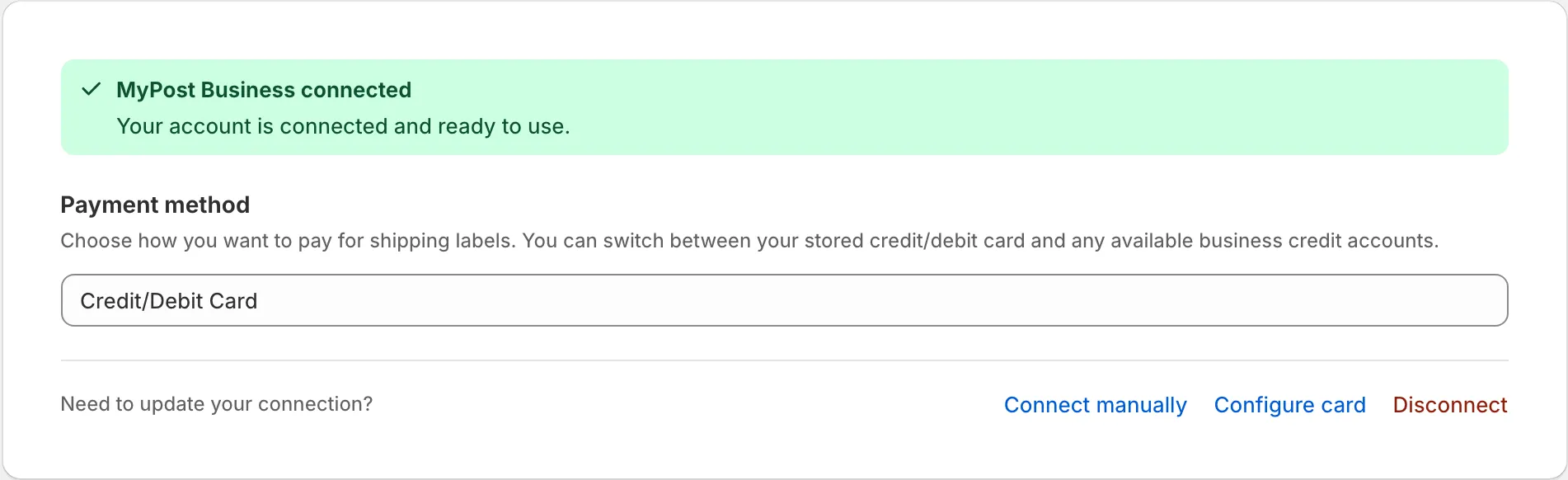
- Back in the app, choose how you want to pay for labels.
You sign in on Australia Post’s page, so your password is never entered into the app.
If the connection fails
“Sorry, something went wrong” on the sign-in page. This page belongs to Australia Post, and the message can come from its sign-in system, its bot protection or an account without MyPost Business access. To fix it:
- Sign in to MyPost Business first, in the same browser
- Try again from a new tab
- Turn off ad blockers for that attempt
Labels stopped working after a connection that used to work. A 401 error means the connection has expired or is no longer valid, so disconnect and connect again.
Every request fails with a 500 error. Check whether Australia Post is having an outage. If it isn’t, the fault is usually with that MyPost Business account, and Australia Post is the right place to ask.
For payment and address problems after you connect, see label errors explained.
Common questions
Do I need a MyPost Business account first?
Yes. Both routes connect to an existing MyPost Business account. If you don't have one, register with Australia Post first.
How are labels paid for?
Australia Post charges the payment method saved in your MyPost Business account. In our app, you can choose a stored card or an available business credit account.
Which Shopify plans can use the built-in link?
Shopify's February 2026 update added Grow and Basic plans in Australia, while Australia Post describes the integration as available on any plan. Check your own admin under Carrier accounts.